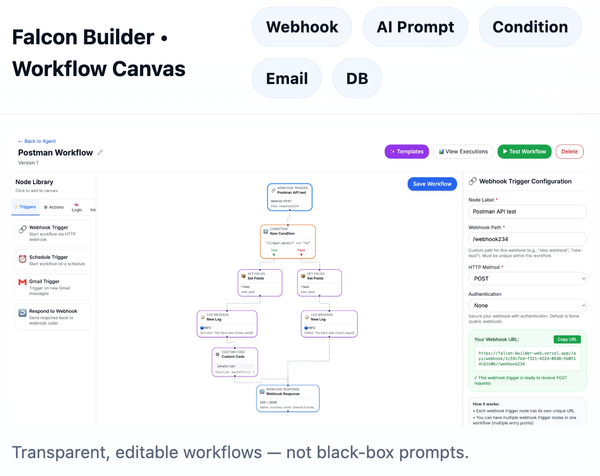
Your AI assistant can now build Falcon Builder workflows
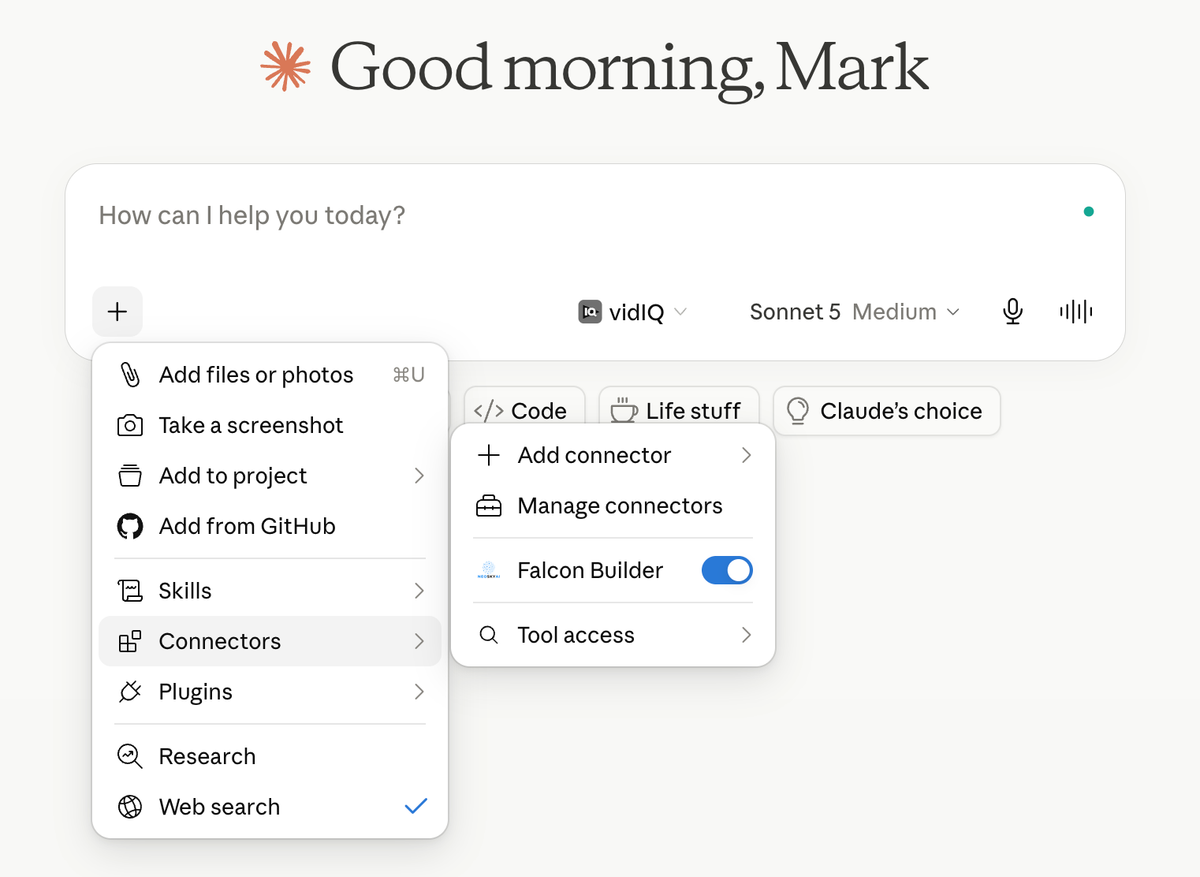
Falcon Builder MCP connects your workspace directly to the AI assistant you already work with (Claude, Cursor, and any MCP-compatible client), so instead of navigating the canvas, you just say what you need.

Most of the time you spend in Falcon Builder isn't spent designing agents — it's spent clicking. Duplicating a workflow for a new client, re-pointing a webhook, swapping a prompt, publishing, checking a run log. None of it is hard, but all of it adds up.
The Falcon Builder MCP server fixes that. It connects your workspace directly to the AI assistant you already work with (Claude, Cursor, and any MCP-compatible client), so instead of navigating the canvas, you just say what you need. For example:
"Duplicate my Legal Intake workflow twice — once for insurance, once for home services — re-point the webhooks and re-target the prompts for each vertical."
Your AI runs it inside Falcon Builder. Duplicates made, edits applied, every copy validated — runnable, zero errors. It's that easy.
Built for teams shipping agents at volume. Here's what MCP unlocks:
- Build and edit workflows from chat — create, duplicate, and modify nodes and configs without opening the editor
- Test and debug in one message — run workflows, pull execution logs, validate before anything ships
- Ship safely — everything lands as a draft; publish and roll back versions on command
- Deploy interfaces on the fly — spin up hosted chat and forms, manage access rules, all from the conversation
- Manage every workspace — agencies can switch between client workspaces mid-chat
And because it's Falcon Builder, the guardrails hold: MCP edits are drafts until you publish, every version is preserved, and scoped tokens control exactly what your AI can touch.
👉 Connect the Falcon Builder MCP — takes under 5 minutes to set up.
Want to see it first? Watch Claude clone a production workflow into two new verticals in under 3 minutes.
Want to see the prompt from the video? Check it out here on Reddit.